Resource Management
0-to-1 asset management for Android Studio, serving 2.5M+ developers.
Lead UX Designer · Jan 2019
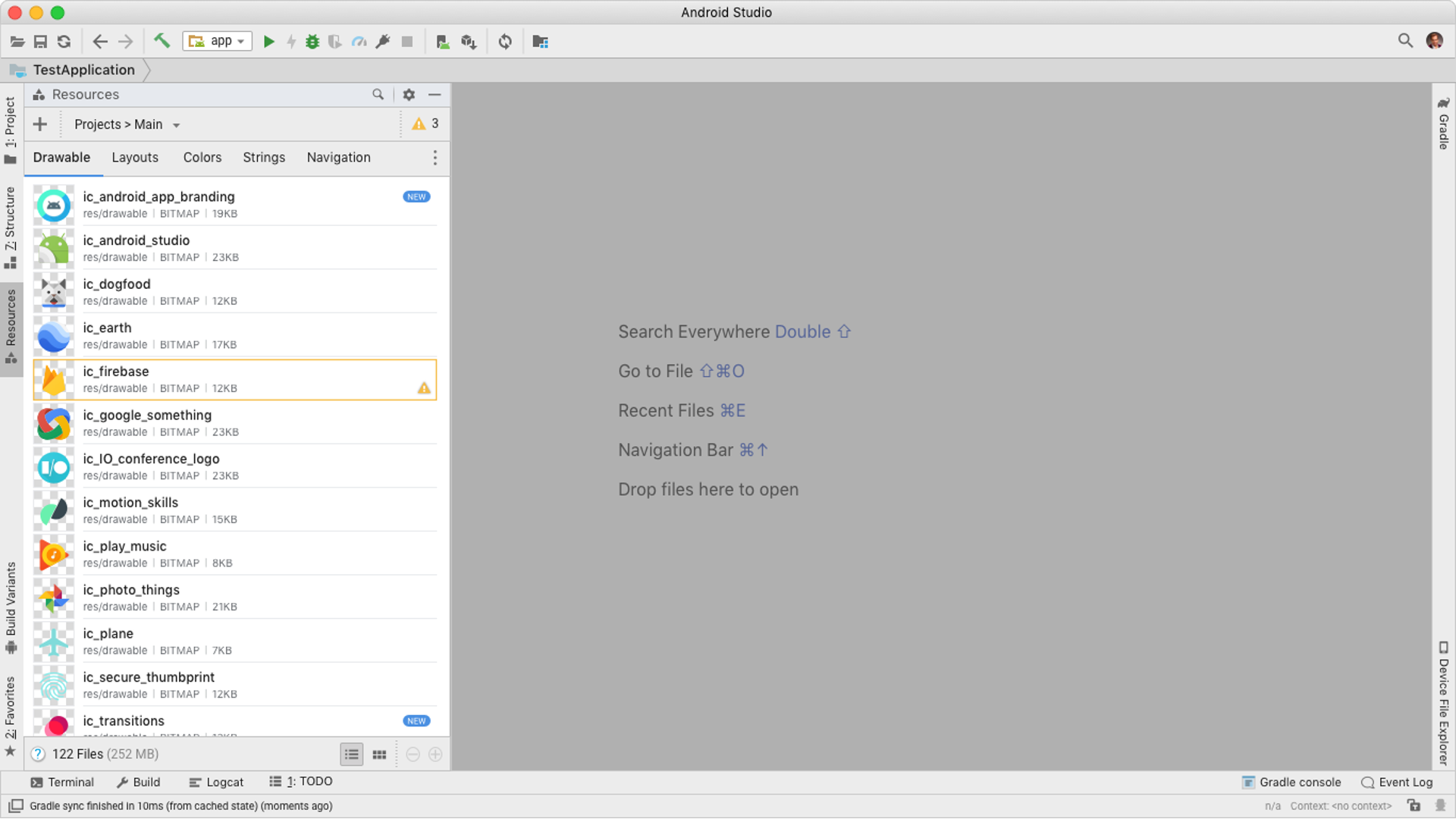
Before this project, Android Studio had no visual resource manager. Developers navigated raw folder structures to find assets, added resources one at a time through inconsistent wizard flows, and manually handled density variants for every icon, image, and animation in the app. It was one of the most tedious parts of Android development.
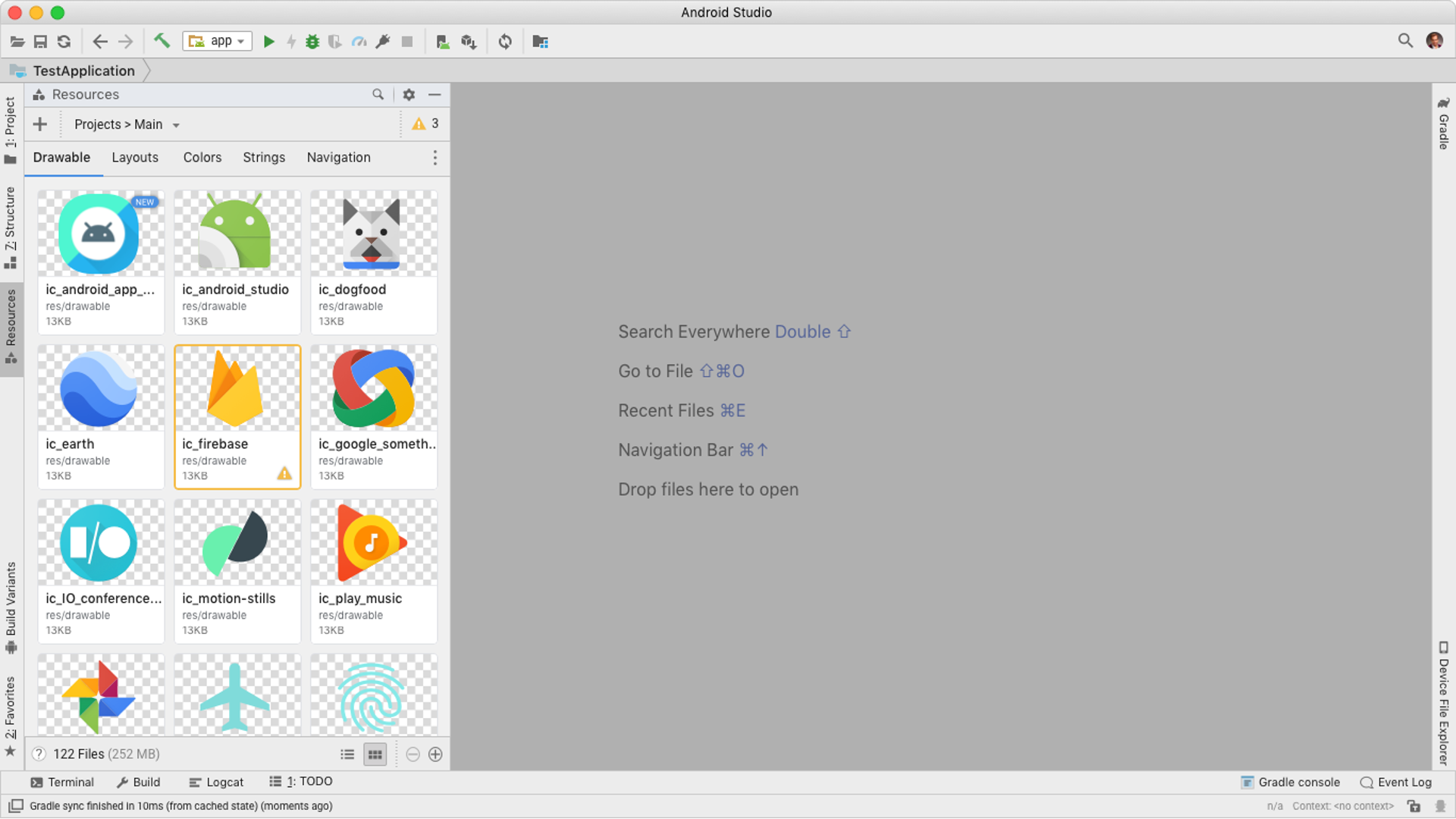
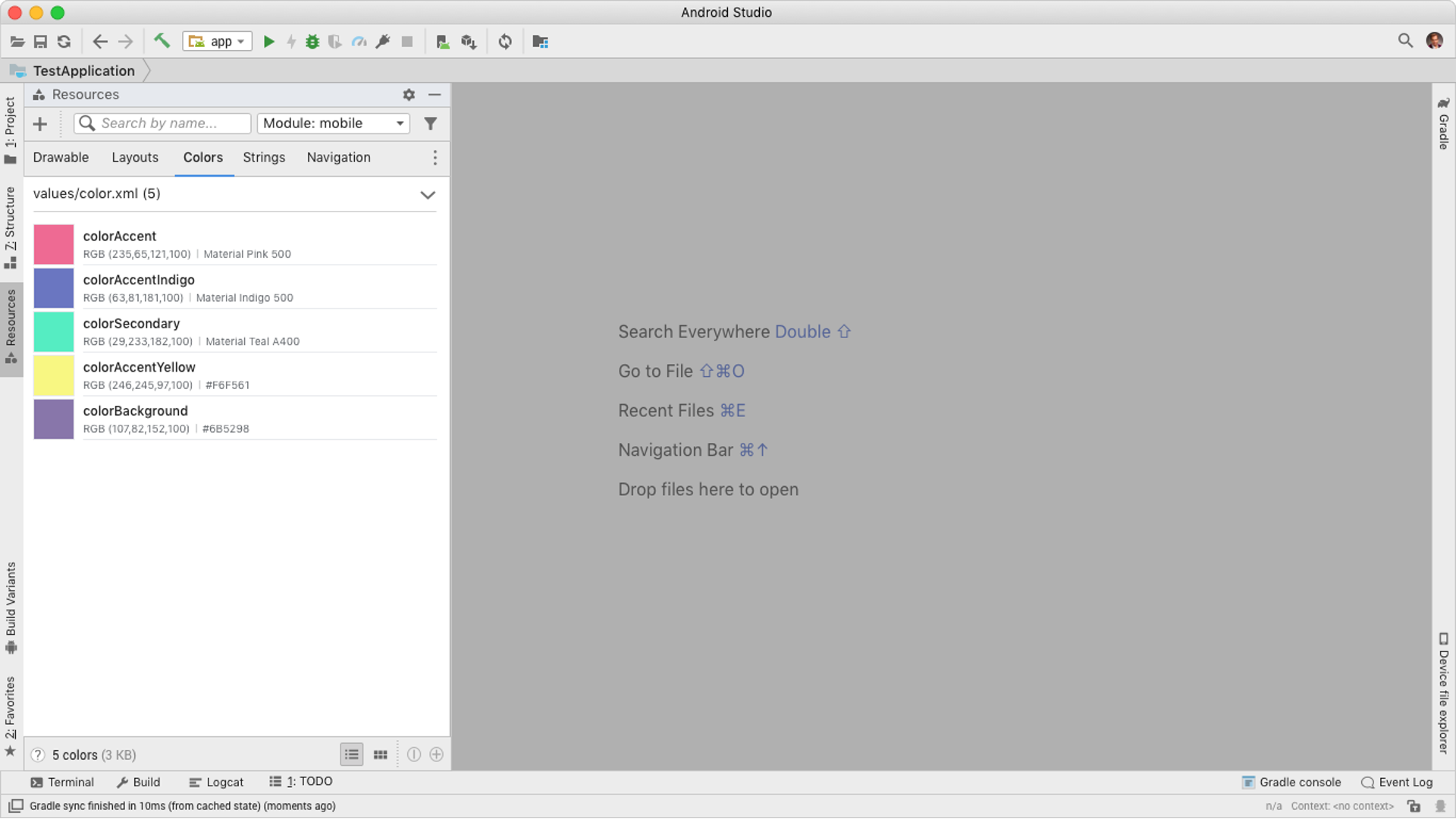
As Lead UX Designer I built Android Studio's first dedicated Resource Manager from the ground up: a visual panel for importing, browsing, and managing all app assets in one place. Shipped in Android Studio 3.4 Canary in January 2019, presented at Google I/O 2019, and grew to 90,000 28-day active users by year end.
Key Problems
The Solution
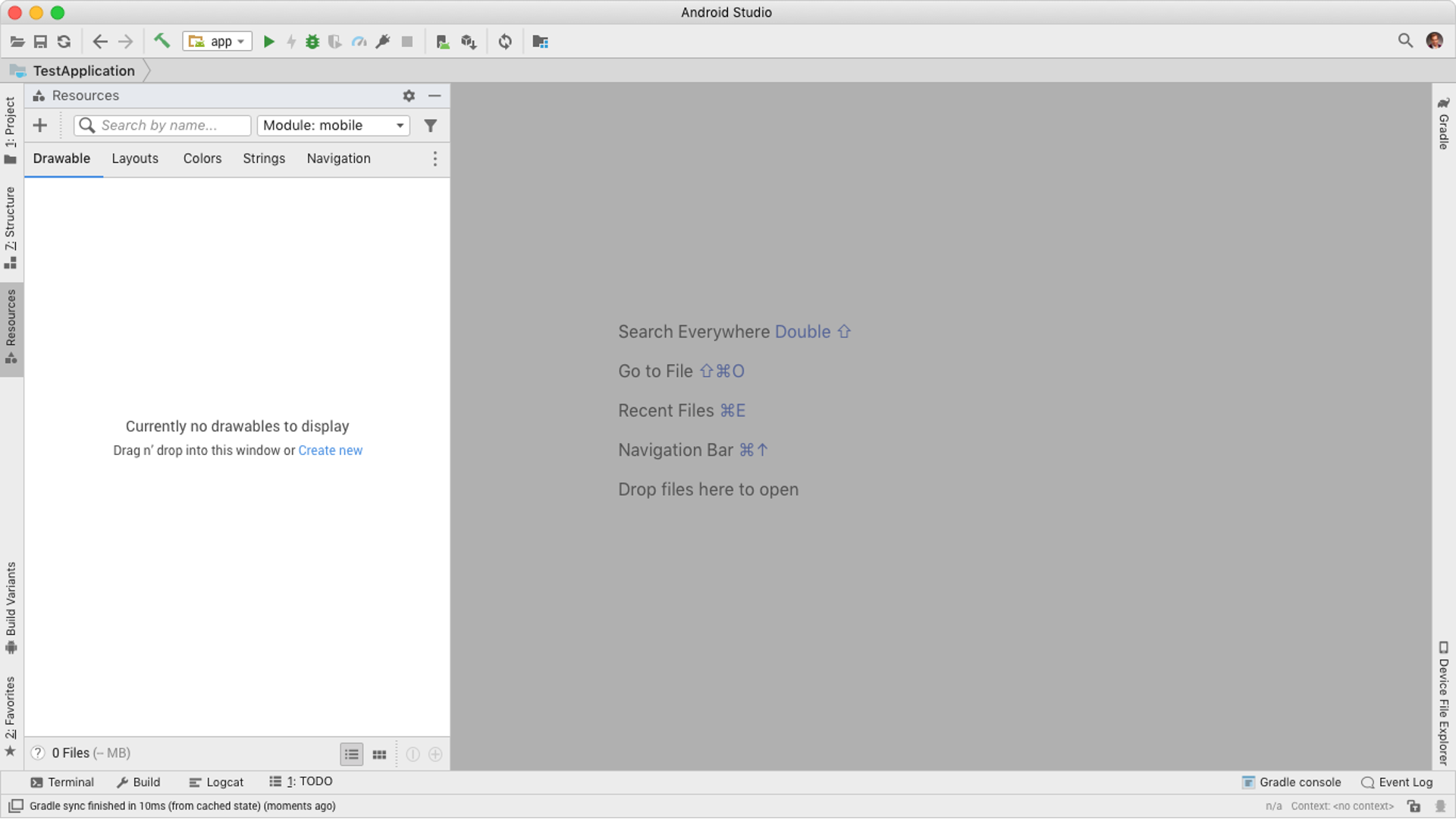
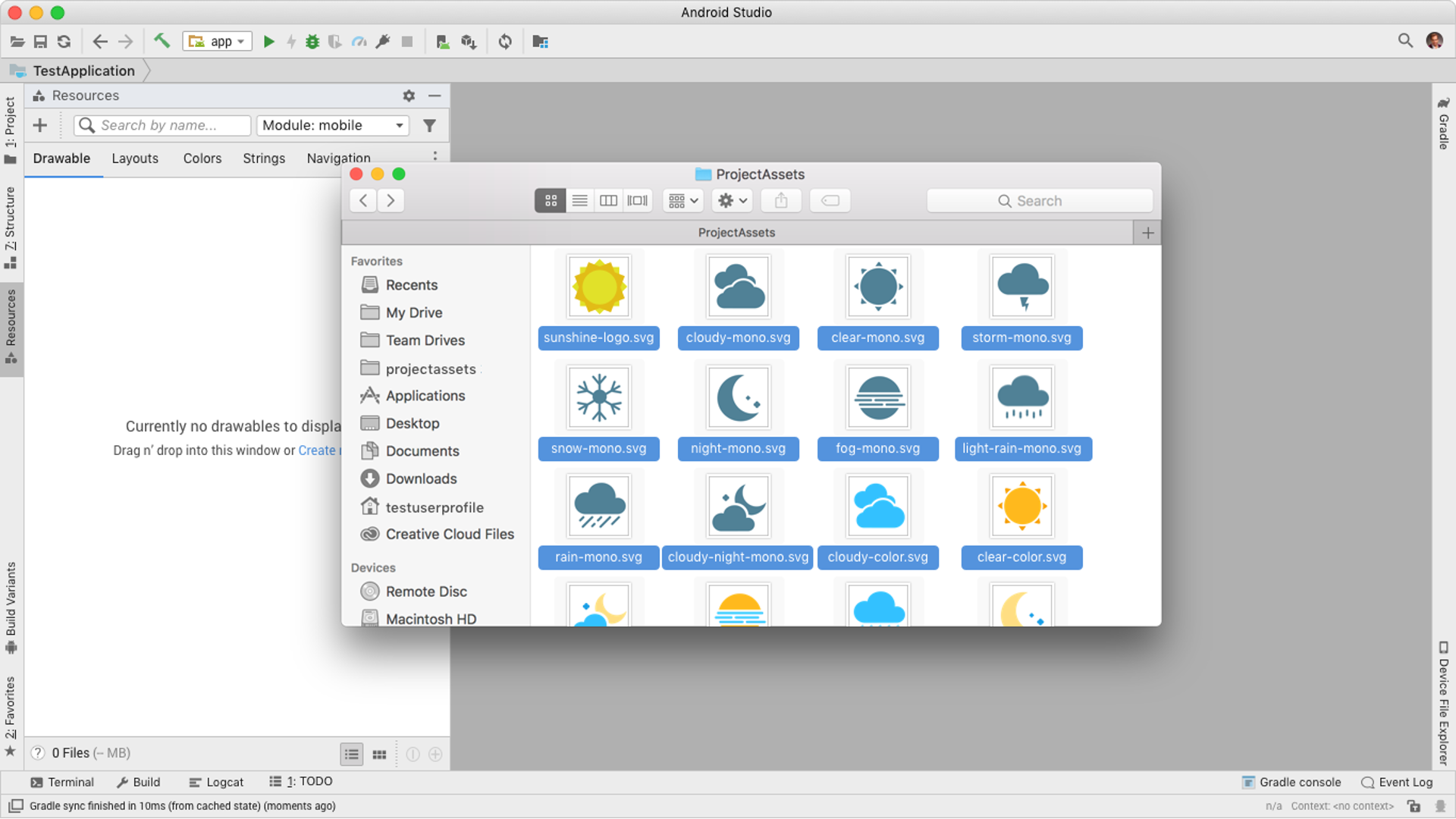
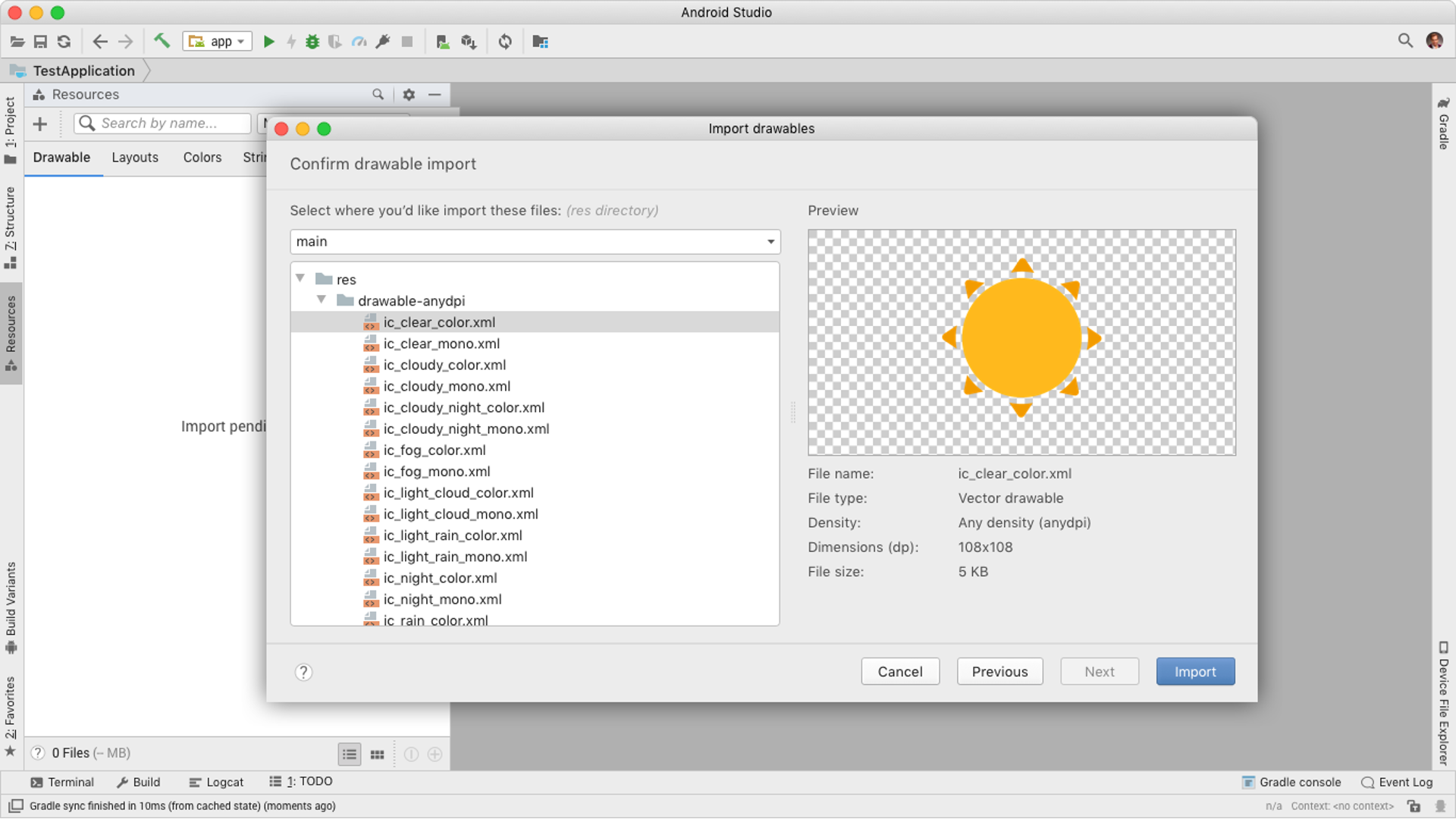
The Resource Manager introduced two core capabilities: a drag-and-drop import flow that handles density conversion automatically, and a visual browsing panel organized by resource type. Together they eliminated the need for manual file management and made the entire asset library visible at a glance.
Outcomes